How to Use Voucher


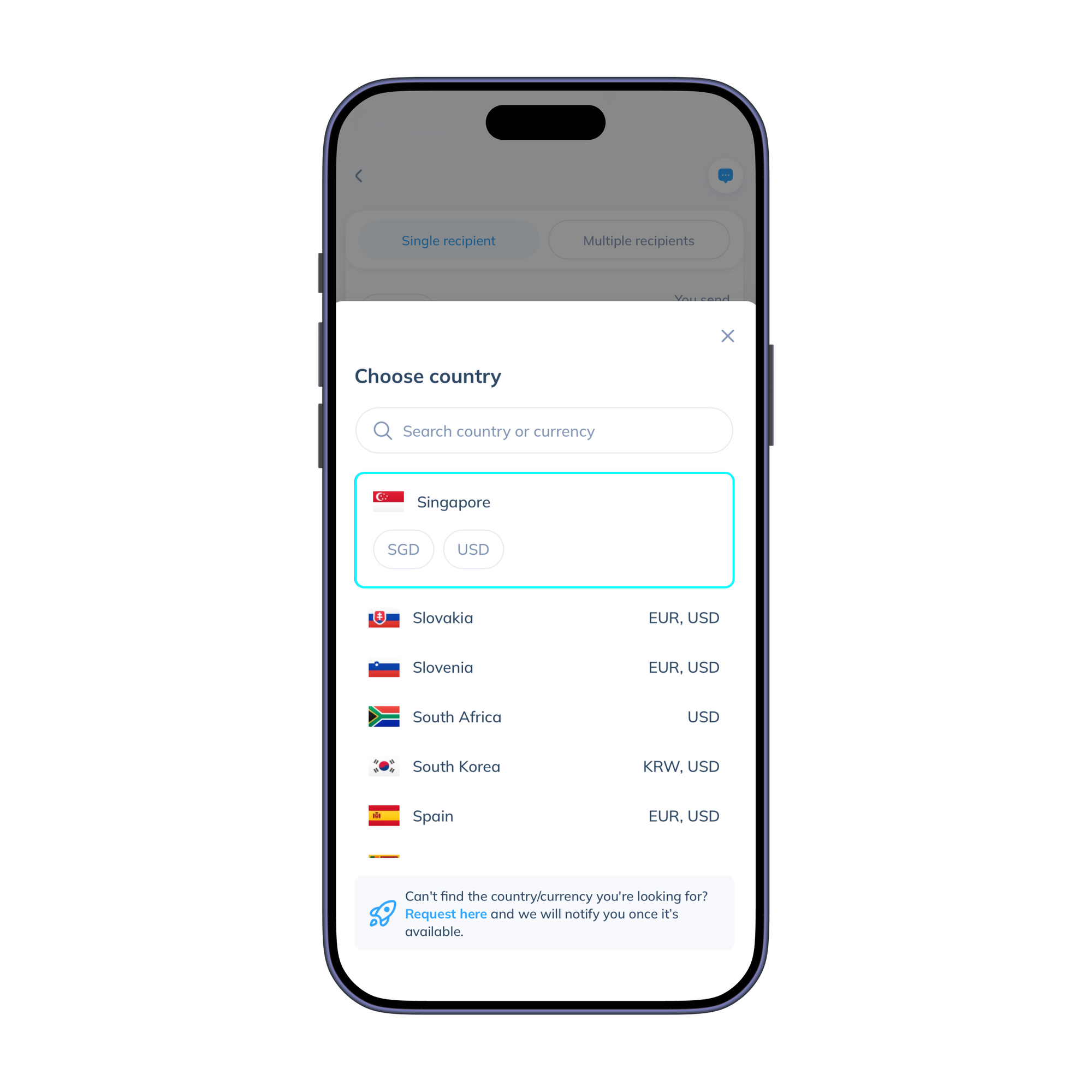
- Click 'Send', then choose your destination country and currency.
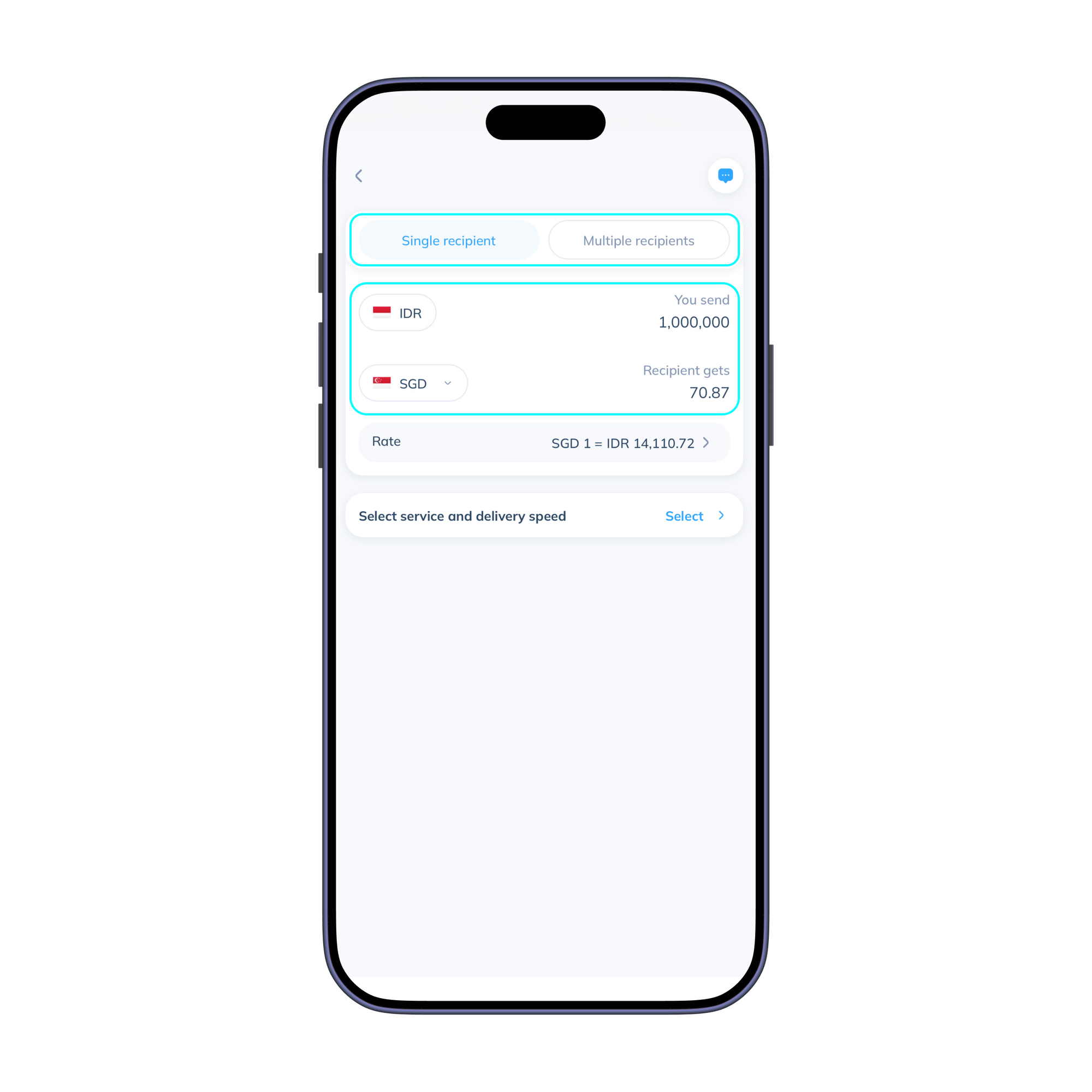
- Select your transaction type and enter the amount you’d like to send. You can send money to one or multiple recipients in a single transaction.
PS: you can fill the amount to send in IDR and money will be received in the destination country’s local currency.
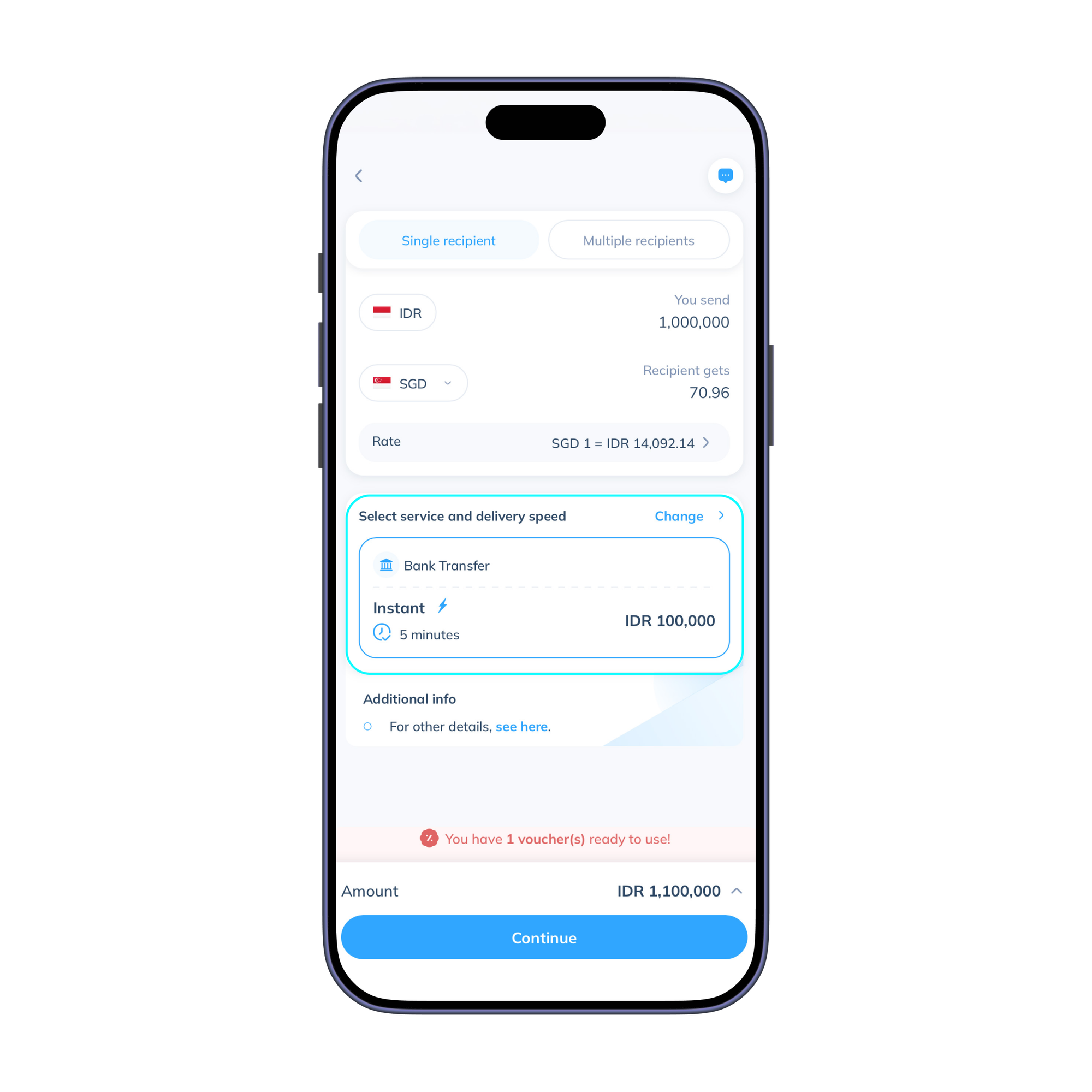
- Choose the service that fits your needs, then click ‘Continue’.
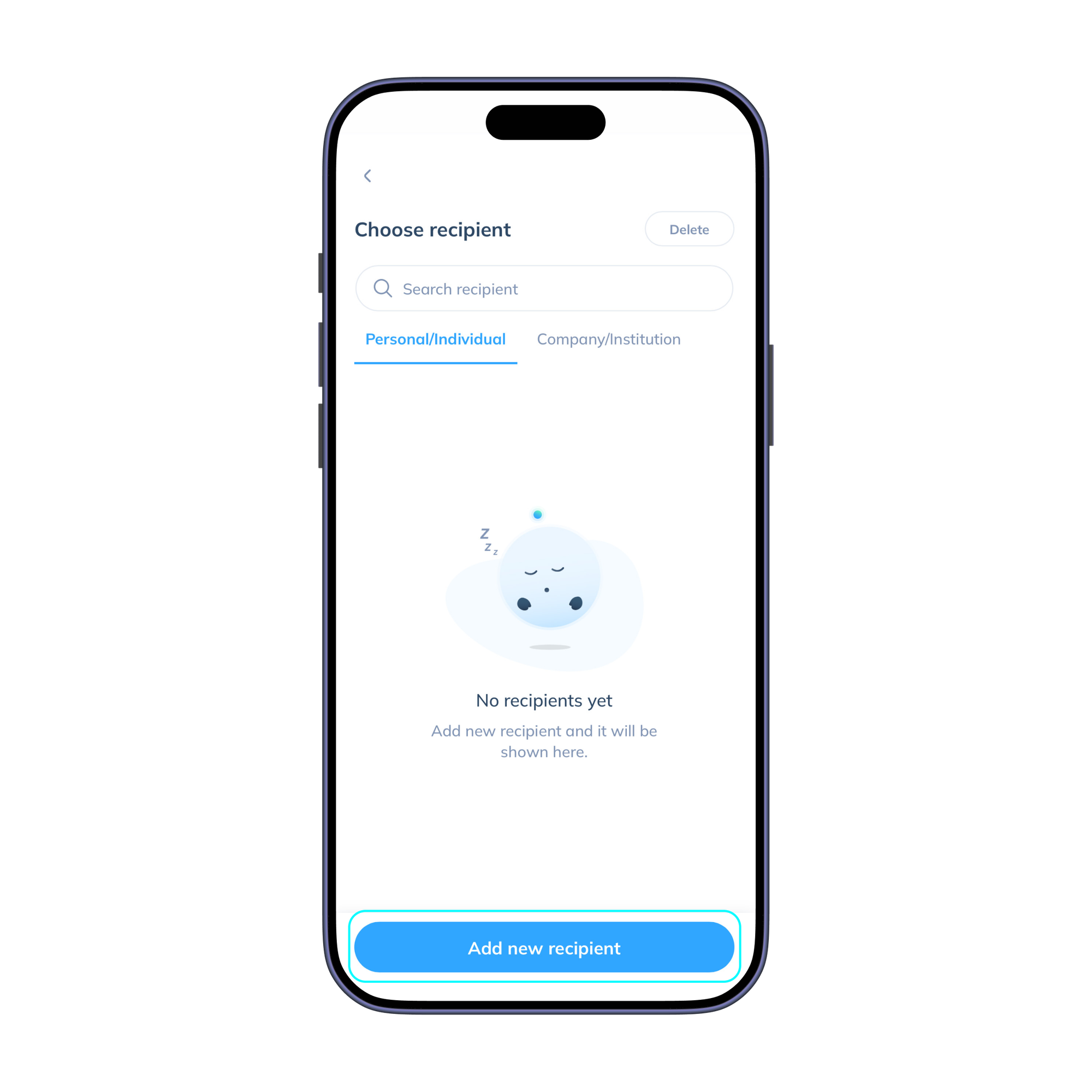
- Add a new recipient and enter their details correctly. You can also select a recipient saved from a previous transaction. Then, click ‘Continue’.
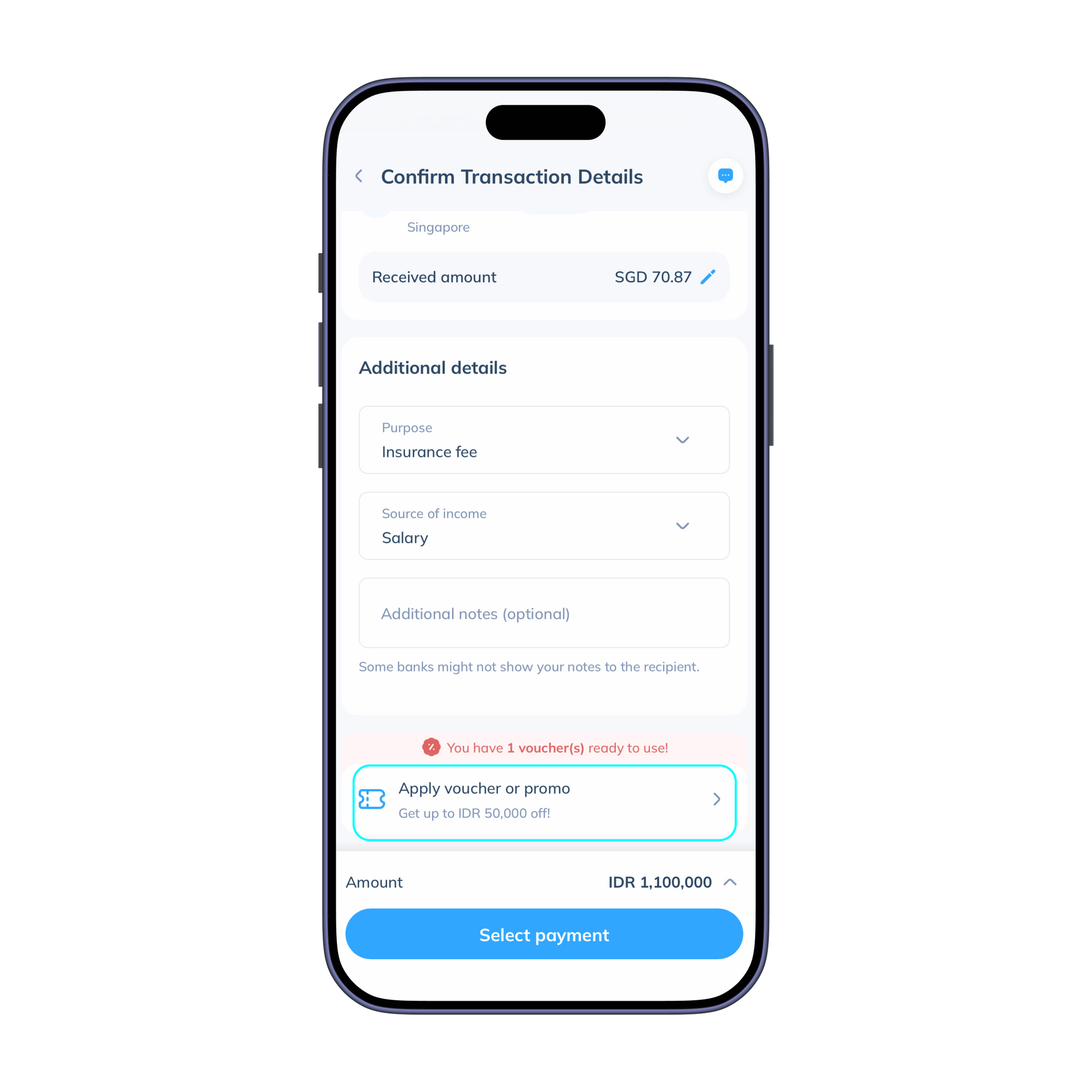
- Complete the 'Additional details' section and then click ‘Apply voucher or promo’.
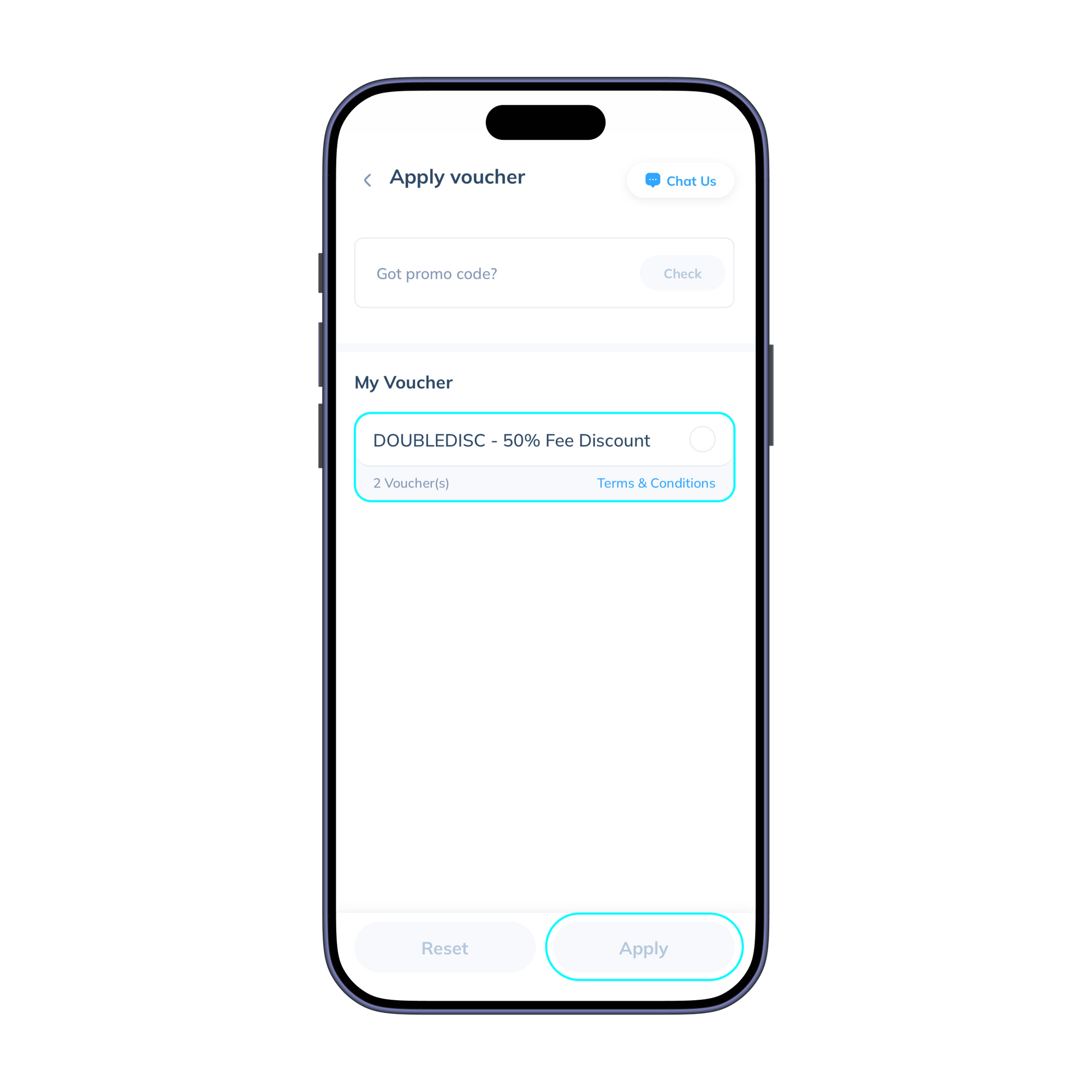
- Next, select the voucher you’d like to use. You can either choose one from the list of available vouchers in your account or enter a promo code to redeem the discount. Voila! Your transfer fee will be discounted automatically. Double-check the entire transaction summary to ensure all data is correct, and then click ‘Select payment’.
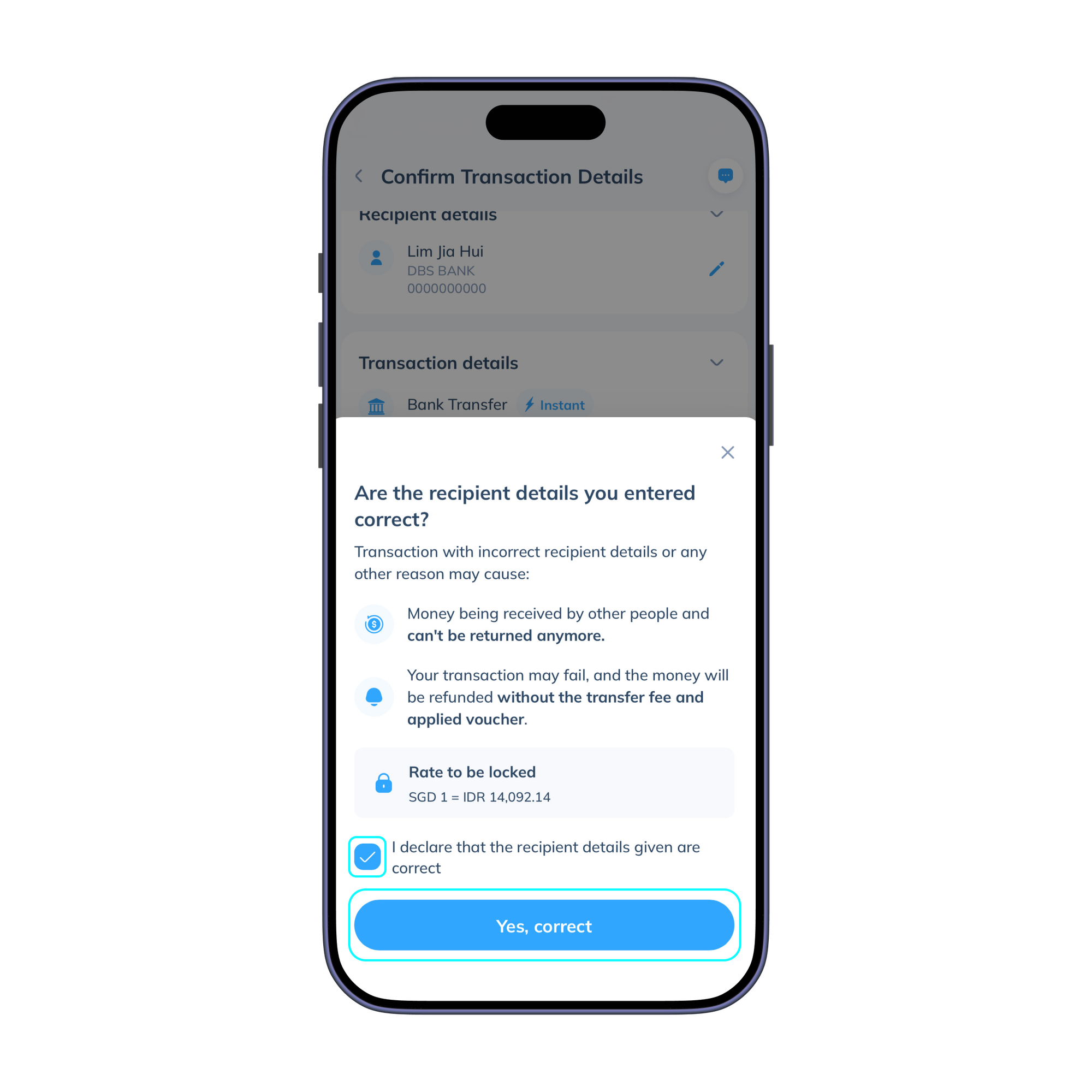
- Tick the declaration box below to validate the details you have filled in, and then click ‘Yes, correct’.
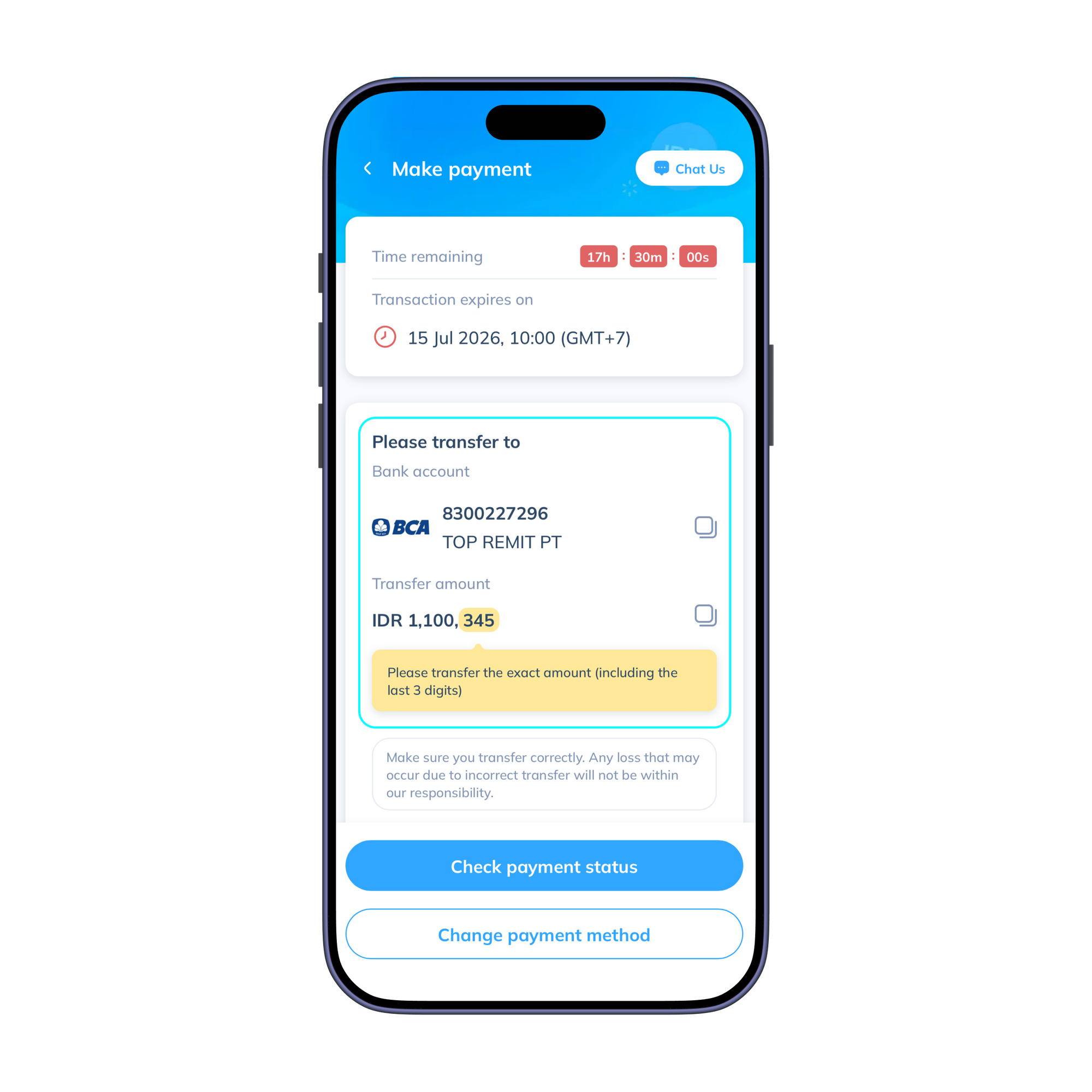
- Make payment to one of Topremit’s bank accounts by transferring via m-banking or ATM machine. Then click ‘Make payment’.
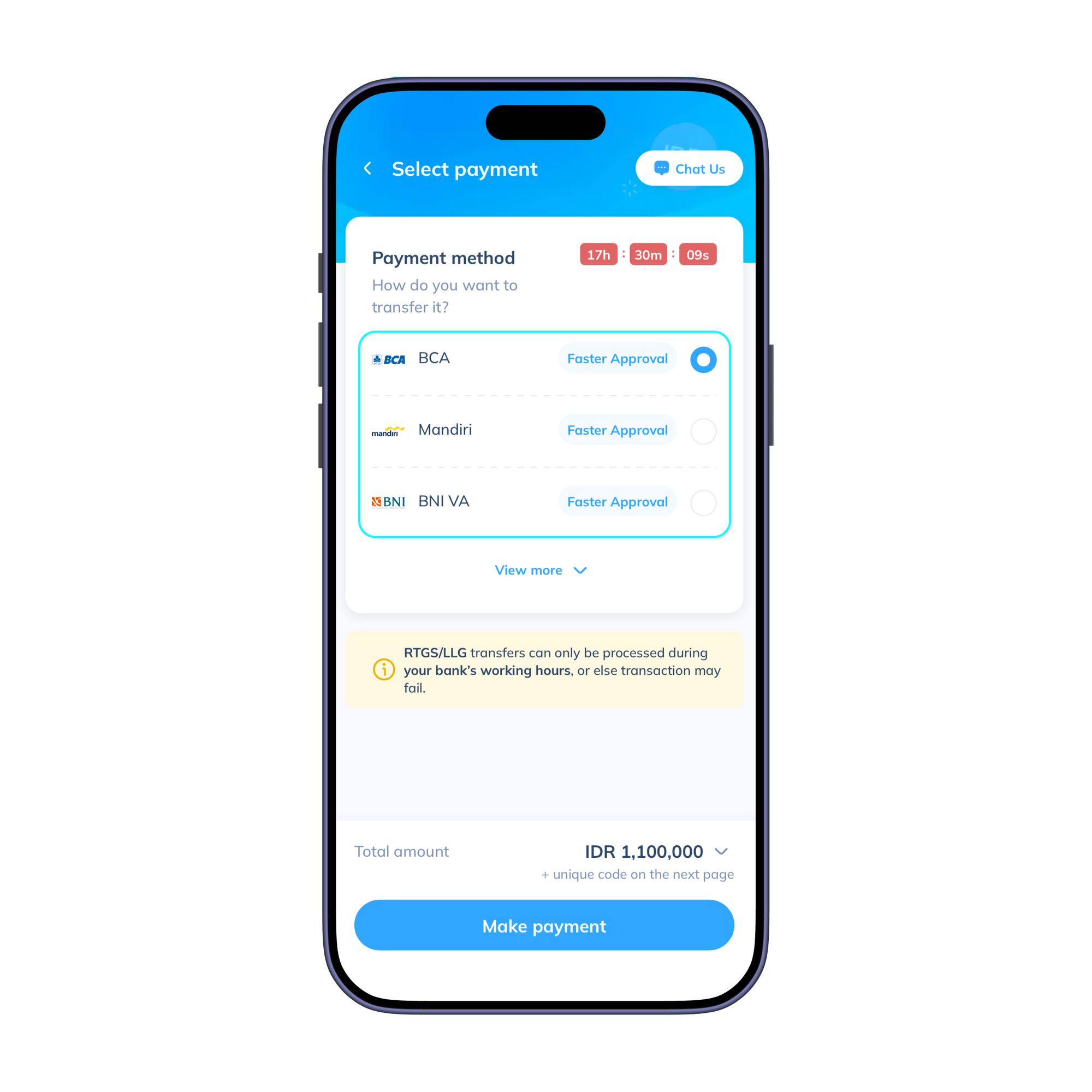
- Make sure to transfer the exact amount shown, including the 3-digit unique code. Once the payment is made, it will be verified automatically, and you’re all set!